Blog
Vibe Coding an Audio Plugin with Cursor vs Claude Code
A practical first look at Cursor for AI-assisted audio plugin development, covering project setup, code review, debugging, and workflow comparisons with Claude.

News
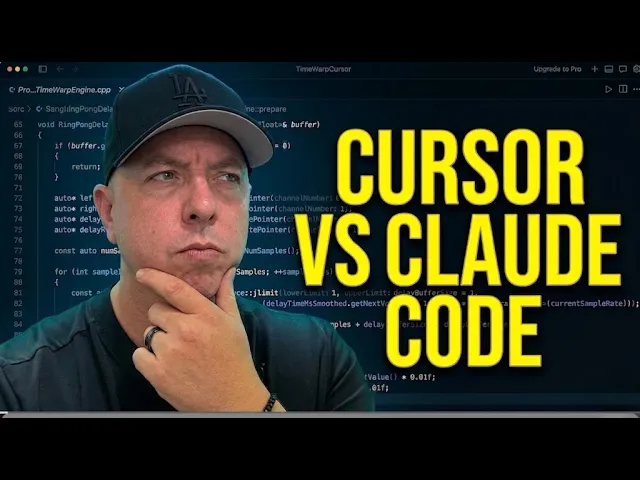
Vibe Coding an Audio Plugin with Cursor vs Claude Code
A practical first look at Cursor for AI-assisted audio plugin development, covering project setup, code review, debugging, and workflow comparisons with Claude.
Vibe Coding an Audio Plugin with Cursor vs Claude Code
Vibe Coding an Audio Plugin with Cursor vs Claude Code
In this video, we explore a more structured approach to AI-assisted software development, moving beyond “vibe coding” and into a workflow built around planning, tooling, and iterative review.
We take Cursor for a spin for the first time, comparing the experience to previous workflows using Claude, and test how well it handles building and reviewing a JUCE audio plugin project from scratch.
Along the way, we cover project setup, framework selection, coding conventions, debugging issues, code review workflows, and performance pitfalls inside a real plugin development environment.
Whether you're curious about Cursor, AI-assisted coding workflows, or modern audio plugin development, this episode offers a practical look at how these tools behave in real-world use.
Timestamps:
00:00 – Introduction
01:19 – What is Cursor? (and the DAW analogy)
02:26 – Downloading Cursor for the first time
03:50 – First project setup
04:30 – Selecting the Claude model
05:17 – The first prompt with the PRD
06:53 – Framework selection (and what Cursor suggests)
08:47 – Adding the CLAUDE.md coding practices
09:49 – Duplicated code in CMakeLists
11:24 – Building the complete plugin
13:23 – Testing in Ableton
16:24 – The lost context problem
16:42 – Code review begins
17:35 – The juce_header.h issue
18:33 – Fixing the red squiggles with clangd
23:01 – Performance issue: updating every audio callback
26:09 – Plugin editor review
27:07 – DSP and delay engine review
28:30 – Final thoughts: Cursor vs Claude Code
30:06 – Are these tools interchangeable?
Resources mentioned:
Cursor: https://cursor.com
Episode 1 – I Tried Vibe Coding an Audio Plugin: https://www.theaudioprogrammer.com/content/building-an-audio-plugin-with-claude-code-a-vibe-coding-experiment
Episode 2 – Vibe Coding with the Code Project Planner: https://www.theaudioprogrammer.com/content/vibe-coding-audio-plugins-stop-prompting-and-start-planning
Code Project Planner skill: https://github.com/TheAudioProgrammer/claude-audio-plugin-project-planner-skill
Joshua Hodge
The Audio Programmer
More Tutorials
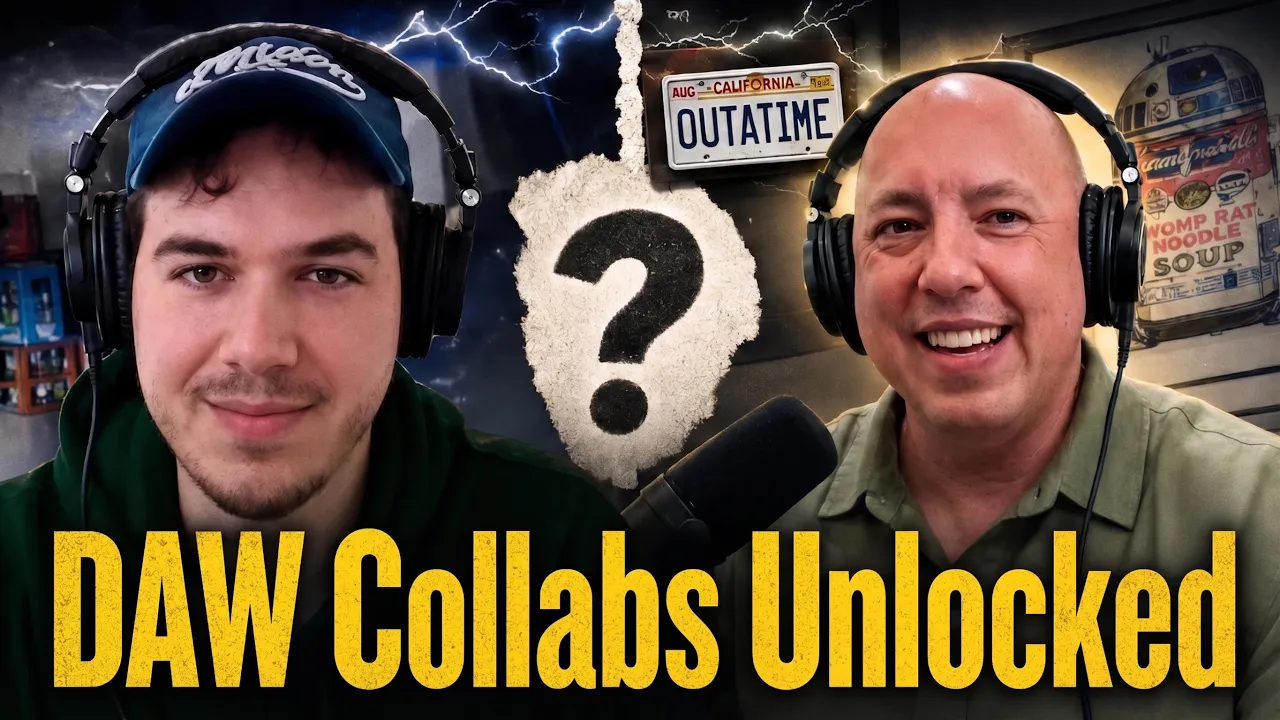
We Built a Multi-Player Audio App With AI: Intro to Audiotool Nexus
Nexus is Audiotool's new extension layer that lets a browser-based app read and write a live project in real time, something a traditional VST can't do. Silas Gyger, lead engineer at Audiotool, shows how far an AI agent can take you by building three working apps from scratch.

More Meetups

The Audio Programmer Virtual Meetup | April 9th, 2026 @ 17:00 UK
Jani Huoponen, Scott Kramer, and Claus Trelby explore Eclipsa Audio – Google and Samsung's open-source spatial audio format – and what it means for creators working across music, film, TV, and the open web.
More News

More Articles

The audio industry is bigger than you think – and harder to hire into
Audio engineering has quietly fragmented across safety systems, embedded sensing, hearing tech and machine learning. The companies hiring in these fields are no longer just competing with other audio companies – and most of them don't realise it.