Basic Audio Programming
Interactive C++ audio plug-in coding course by Point Blank Music School
- 4 hours of structured content
- 12 bite-size lessons across 4 modules
- Build 4 real-time audio plug-ins in C++
- Includes access to interactive coding platform

About the course
"Want to start coding your own audio plugins, but not sure where to begin?"
Get an introduction to music software engineering with Basic Audio Programming – a focused, 4-hour mini course created by Dr Chris Nash of pointblank Music School, in partnership with nash.audio, Plugin Boutique, and The Audio Programmer.
Whether you're a music producer curious about coding or a developer exploring digital signal processing, this course offers a practical, hands-on introduction to building audio plug-ins in C++.
What you'll learn
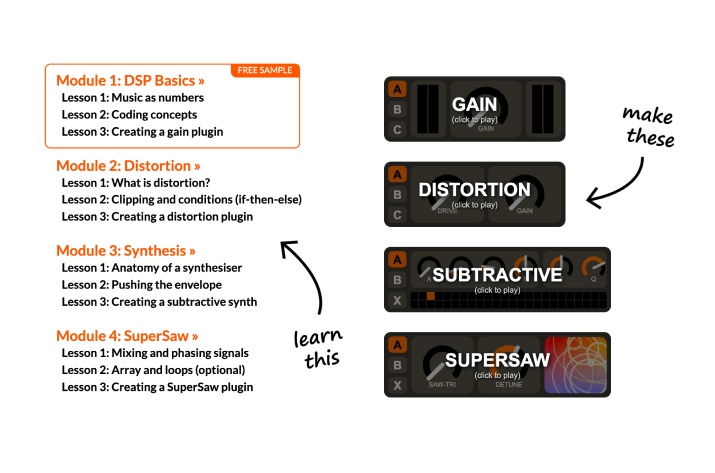
A taster version of pointblank’s BSc (Hons) Music Production and Software Engineering degree, you’ll build four real-time audio plug-ins while learning core concepts in DSP and programming, structured into 12 bite-size lessons over 4 modules:
DSP Basics
Discover how audio is represented as data and build your first plug-in.
Distortion
Learn about clipping and signal shaping to create a distortion effect.
Synthesis
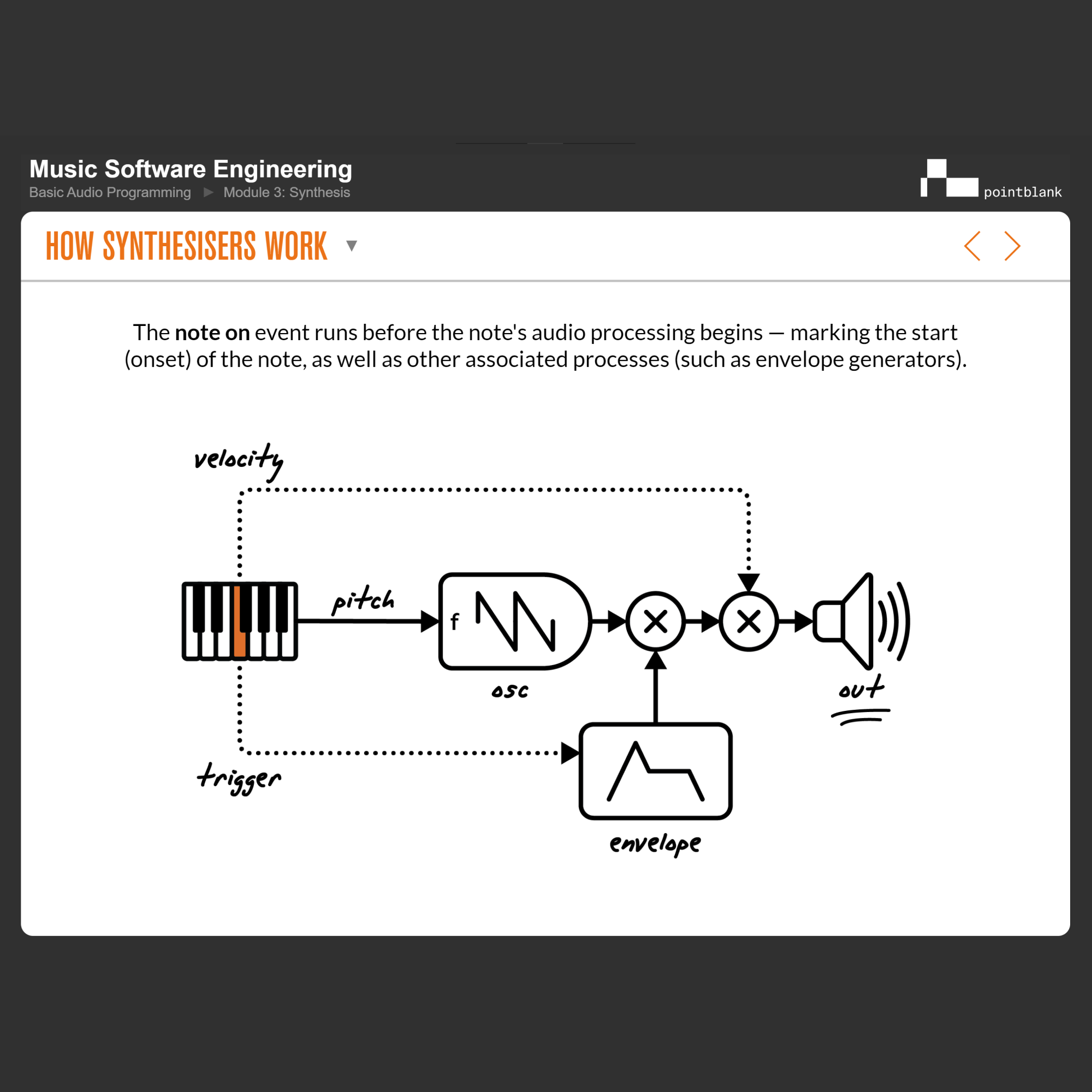
Explore subtractive synthesis, envelopes and filters to build a simple synth.
SuperSaw
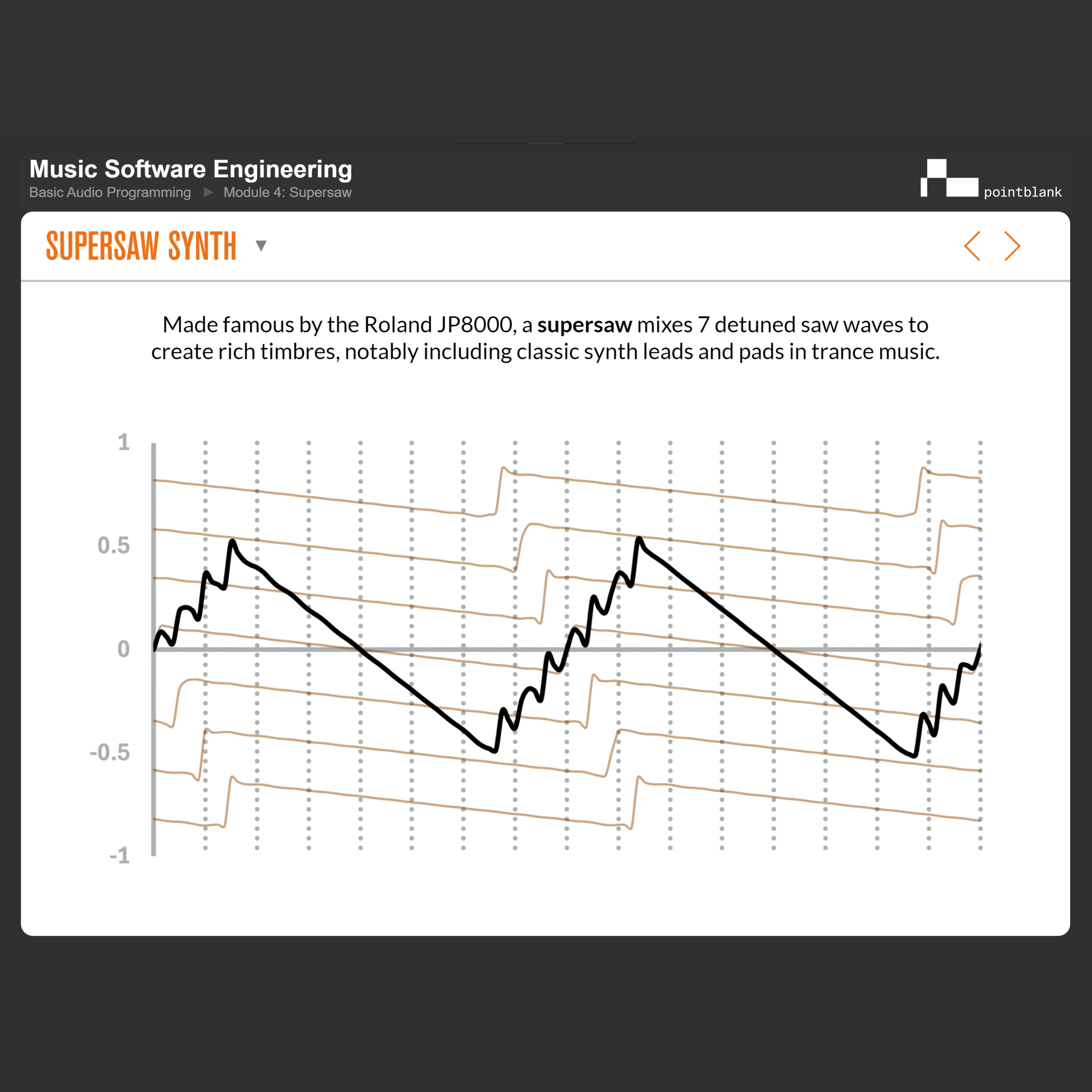
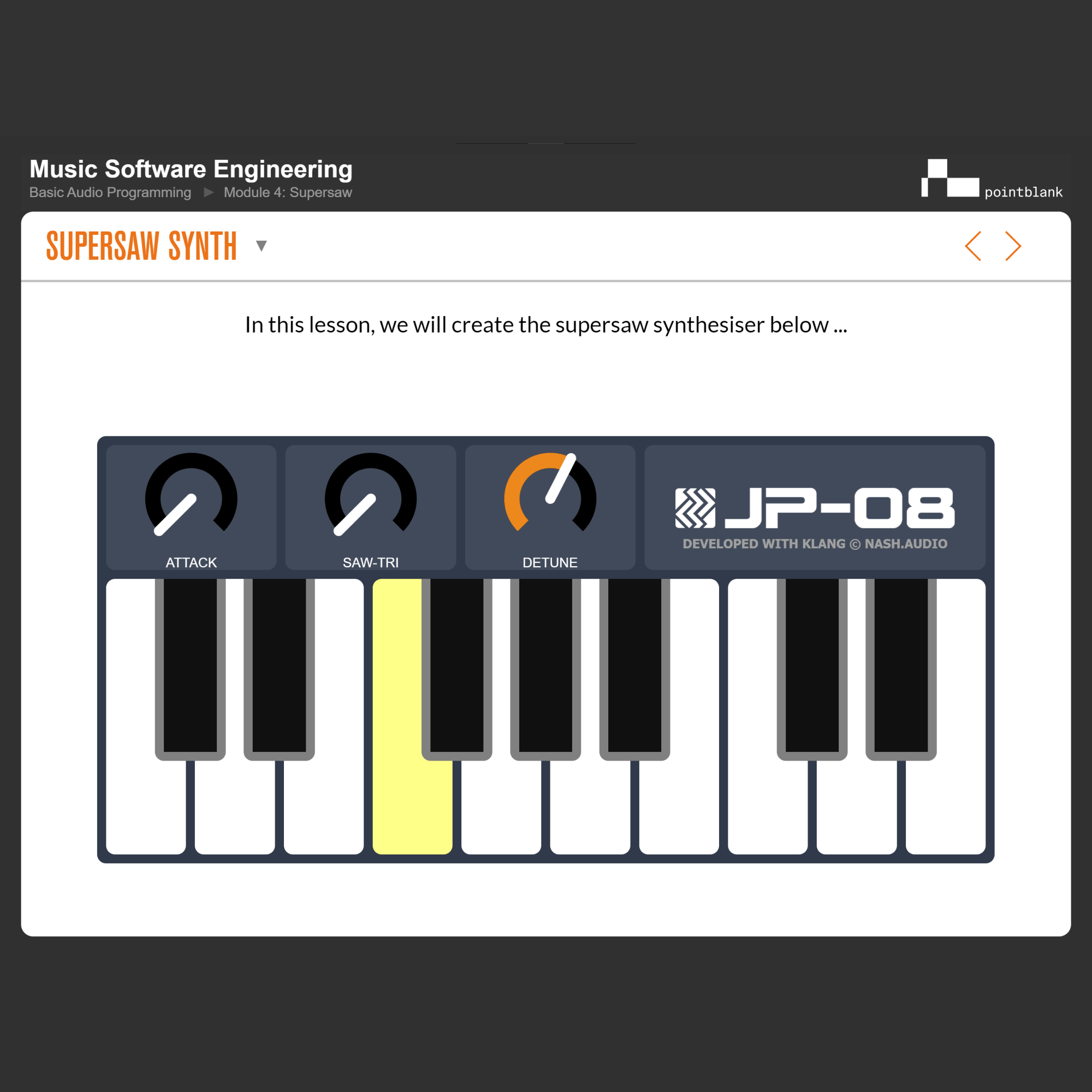
Mix and phase signals to build a SuperSaw-style trance synth.
Preview the course & the technology behind it
DSP Basics
In this module, you will take your first steps in programming, make your first plugins, and learn how signals are processed in digital systems, while gaining an introduction to the tools used to develop synthesisers and effects processors.

Course features
⚠️ Developer Note: Grid items reorder on publish (fills top-to-bottom, then left-to-right). This message won't display on the published site.
12 lessons over 4 modules, building four audio plug-ins (Gain, Distortion, Subtractive Synth and SuperSaw)
Live C++ plug-in development using Klang Studio (Mac/PC)
Bespoke digital learning platform designed specifically for audio programming
Step-by-step video demonstrations with audio commentary
60+ animations explaining audio and coding concepts
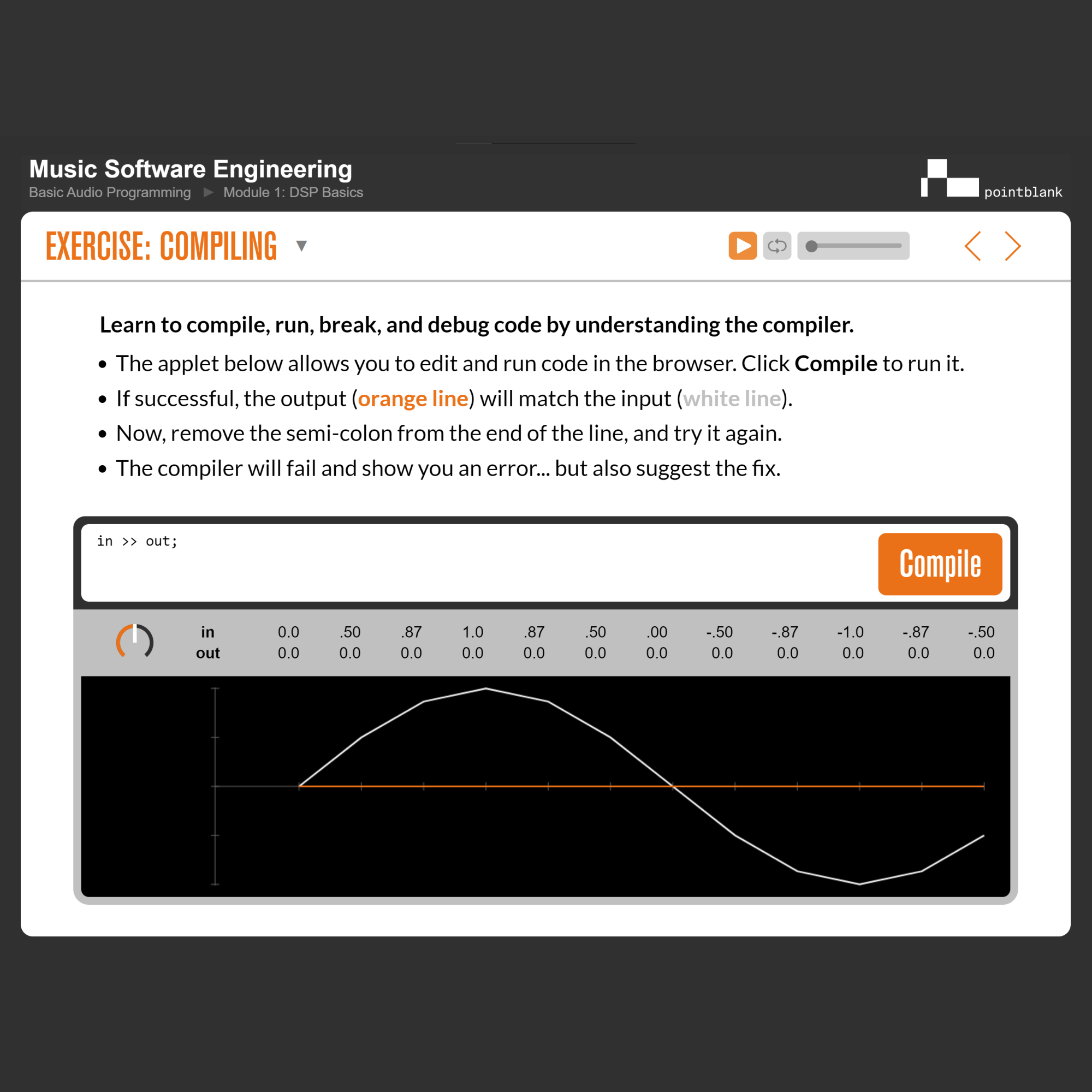
Interactive online coding exercises to explore DSP in the browser
System Requirements
- MacOS (10.15 Catalina or higher) or Windows (10 or higher) computer.
- Audio interface (soundcard) and speakers/headphones.
- Modern browser (Chrome, Edge, Firefox, or Safari).
Take the next step
Pushing the Envelope
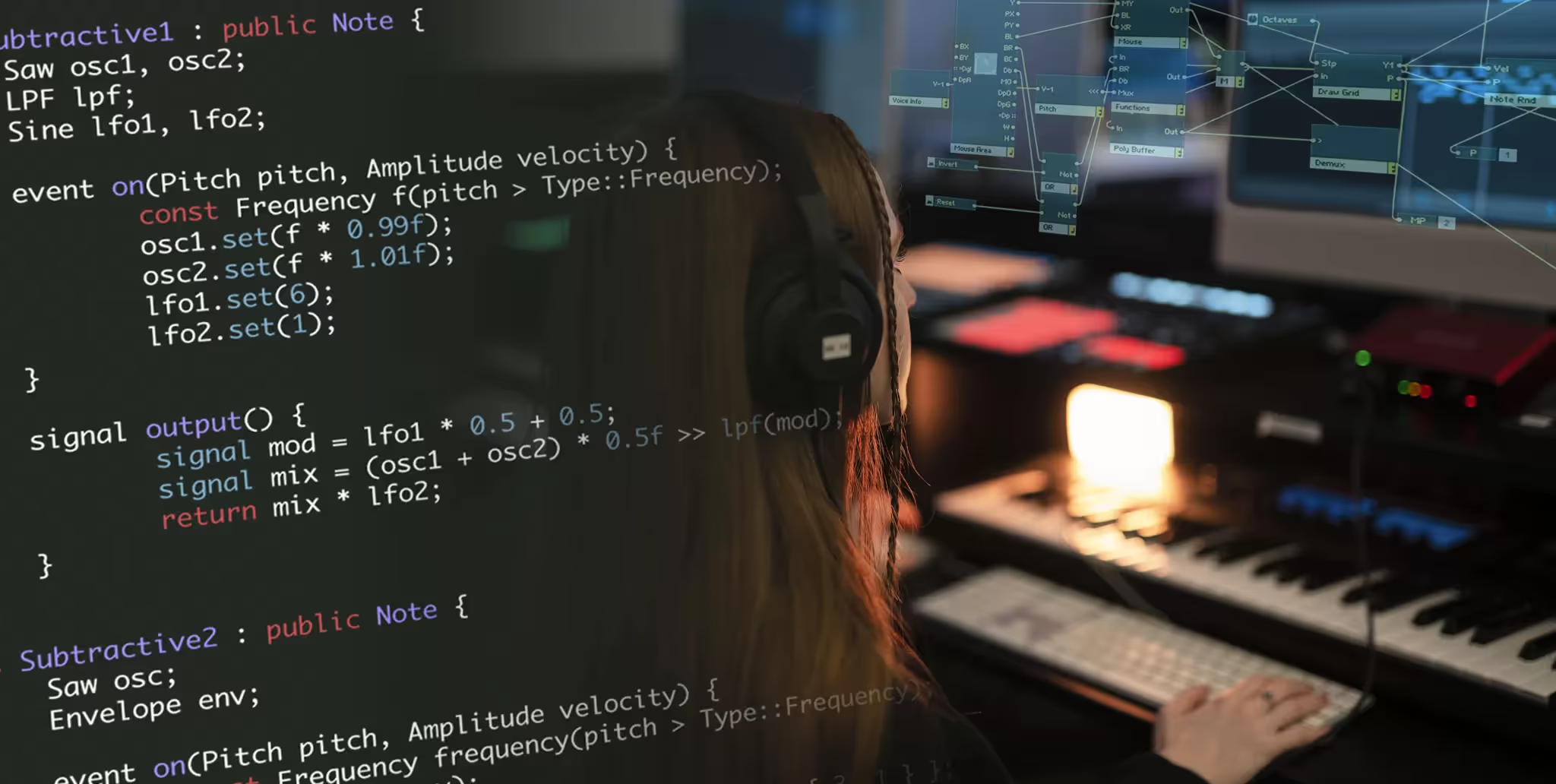
Enter the world of audio programming and finish the course with plug-ins you’ve built from scratch – or continue your journey toward a career in professional audio software development with Point Blank’s BSc (Hons) Music Production & Software Engineering (MuSE) degree (also available as a 1-year CertHE or 2-year DipHE).
About the instructor
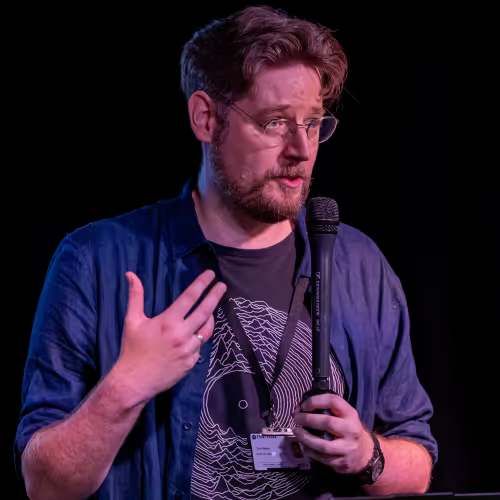
Dr Chris Nash
Dr Chris Nash is a recognised authority in audio technologies, bringing together deep expertise in digital signal processing (DSP), C++ and human–computer interaction (HCI). Over the course of his career, Chris has led major technical initiatives for well-known organisations, and also driven personal projects such as Klang and Manhattan – both of which broaden accessibility and innovation in procedural music.
As an educator, Chris is committed to helping music producers and software developers alike master the craft of audio programming. With this course, he guides you through an interactive, hands-on journey – building real plug-ins from scratch, learning the fundamentals of DSP and gaining the tools to bring your own creative ideas into code.
Basic Audio Programming
Interactive C++ audio plug-in coding course by Point Blank Music School
- 4 hours of structured content
- 12 bite-size lessons across 4 modules
- Build 4 real-time audio plug-ins in C++
- Includes access to interactive coding platform